Made for
- Software engineers
- Web and mobile developers
- Full-stack and backend engineers
- Tech leads
Listed under Software Engineer.
Developer Modern template
Developer Modern is a clean, technical one-page site. It introduces you in a split hero, then walks visitors through your skills, your experience and the projects you are proud of.
No coding. No design skills. No credit card needed.
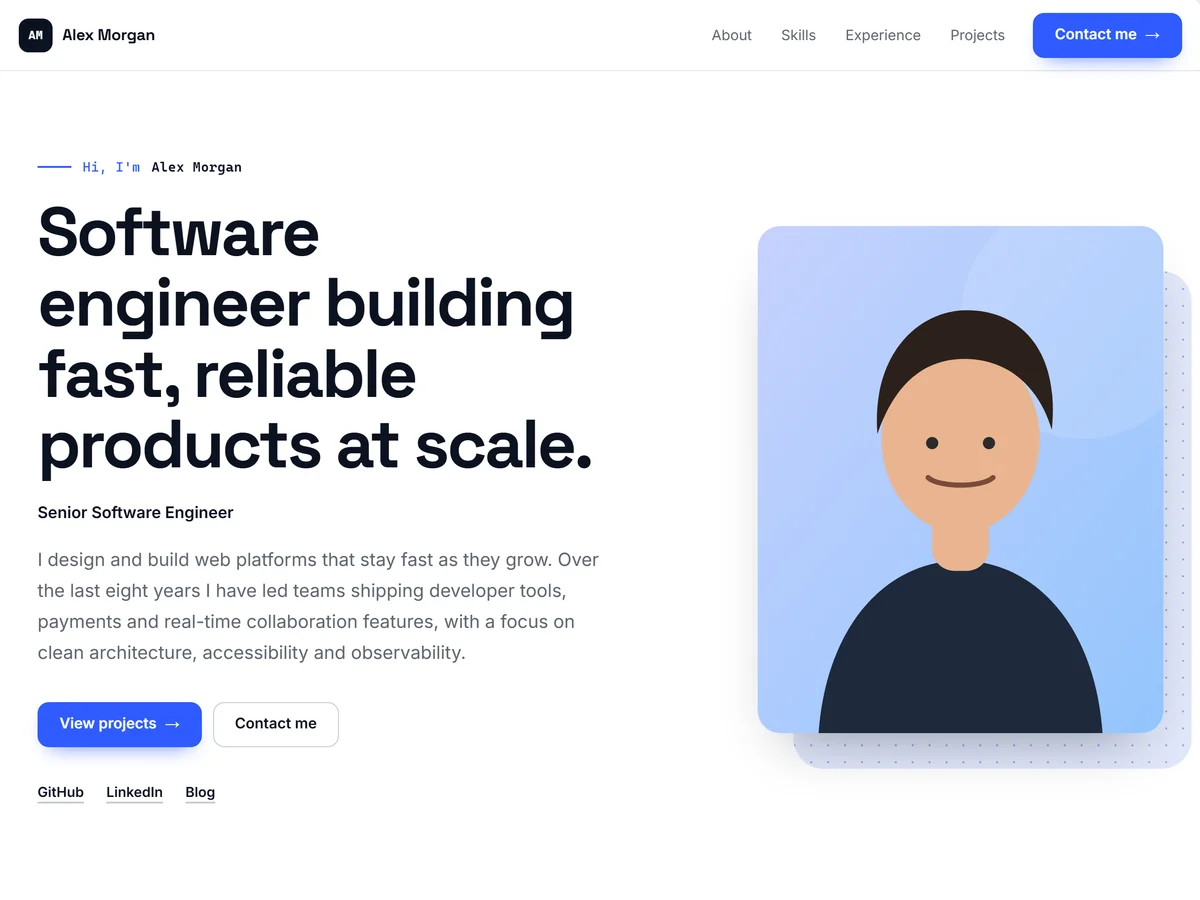
Shown with sample content. Your portfolio uses your own information.
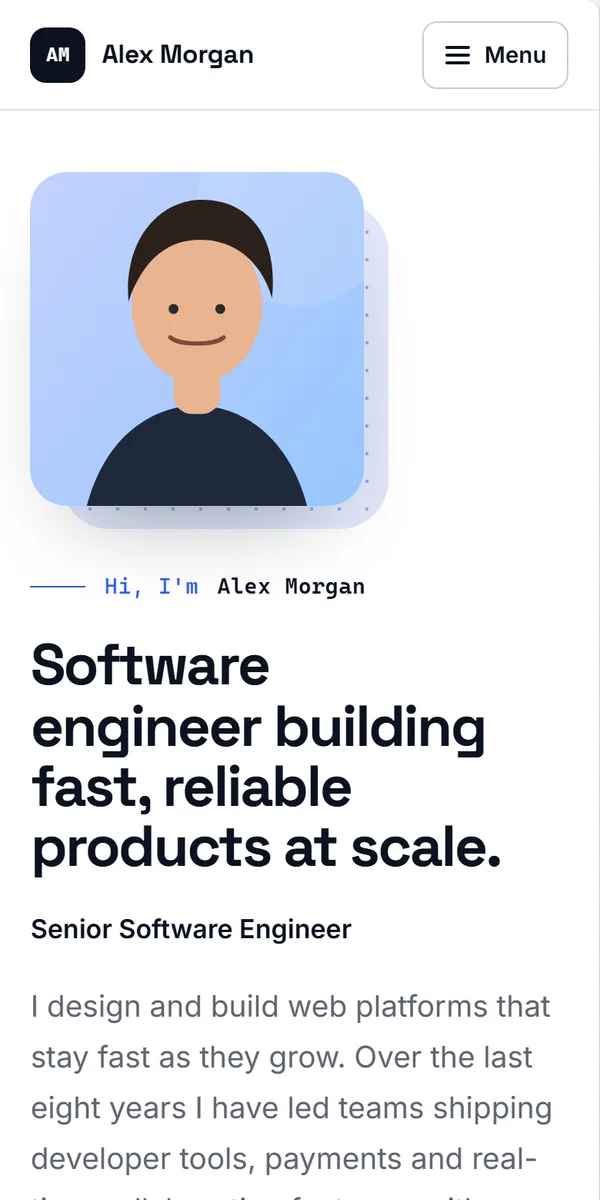
This is the real template with sample content. Scroll through the full page, and see how it looks on a phone.
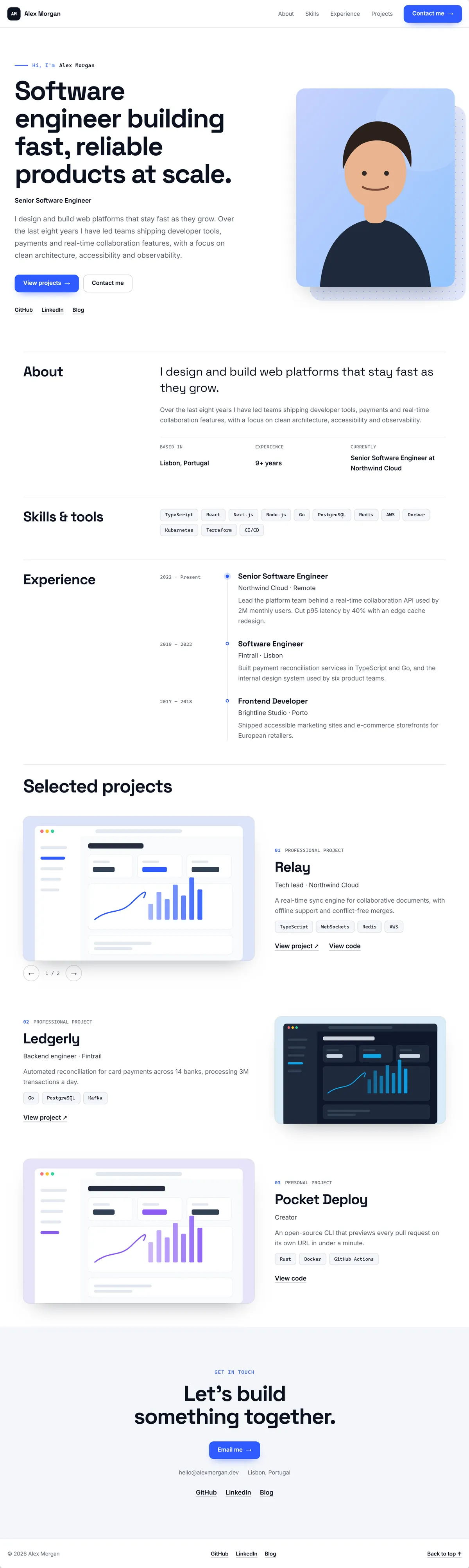
Scroll inside the window to see the whole page.
The Developer Modern template comes with these sections, in this order. Every section can be edited, moved, or removed.
Listed under Software Engineer.
Starts with its own colors. Switch to any of the 19 built-in palettes in one click.
Space Grotesk for headings, Inter for text.
Looks professional on desktop, tablet, and mobile.
If you can fill in a form, you can publish this website.
It takes a few seconds. No credit card needed.
AI organizes your experience, education, skills, and projects. Review everything before it’s added.
Your information fills the template automatically. Adjust what you like, then publish.
No. You add your information, the template lays it out for you, and you publish when you are ready. There is no code to write and no hosting to set up.
Yes. Your profile information stays the same, so you can change the template at any time without re-entering it.
Every template comes with its own colors and can use any of the built-in color palettes. On Pro and Pro+ you can also set custom colors and fonts.
Yes, you can publish it for free. Sections built from projects, such as case studies and results, need projects, which are included in Pro and Pro+.
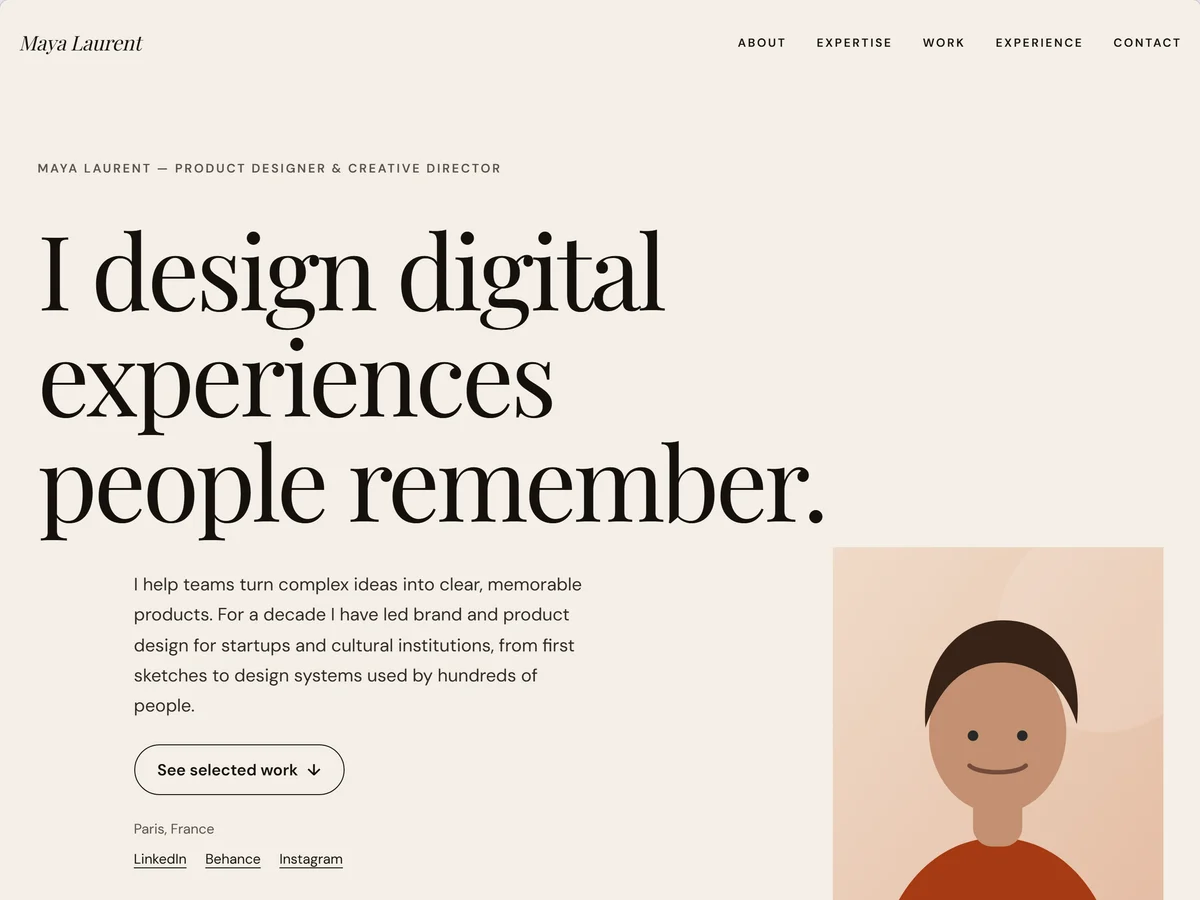
Creative Professional · Product Designer
An expressive, editorial one-page site with a statement hero, numbered expertise and large work showcases.
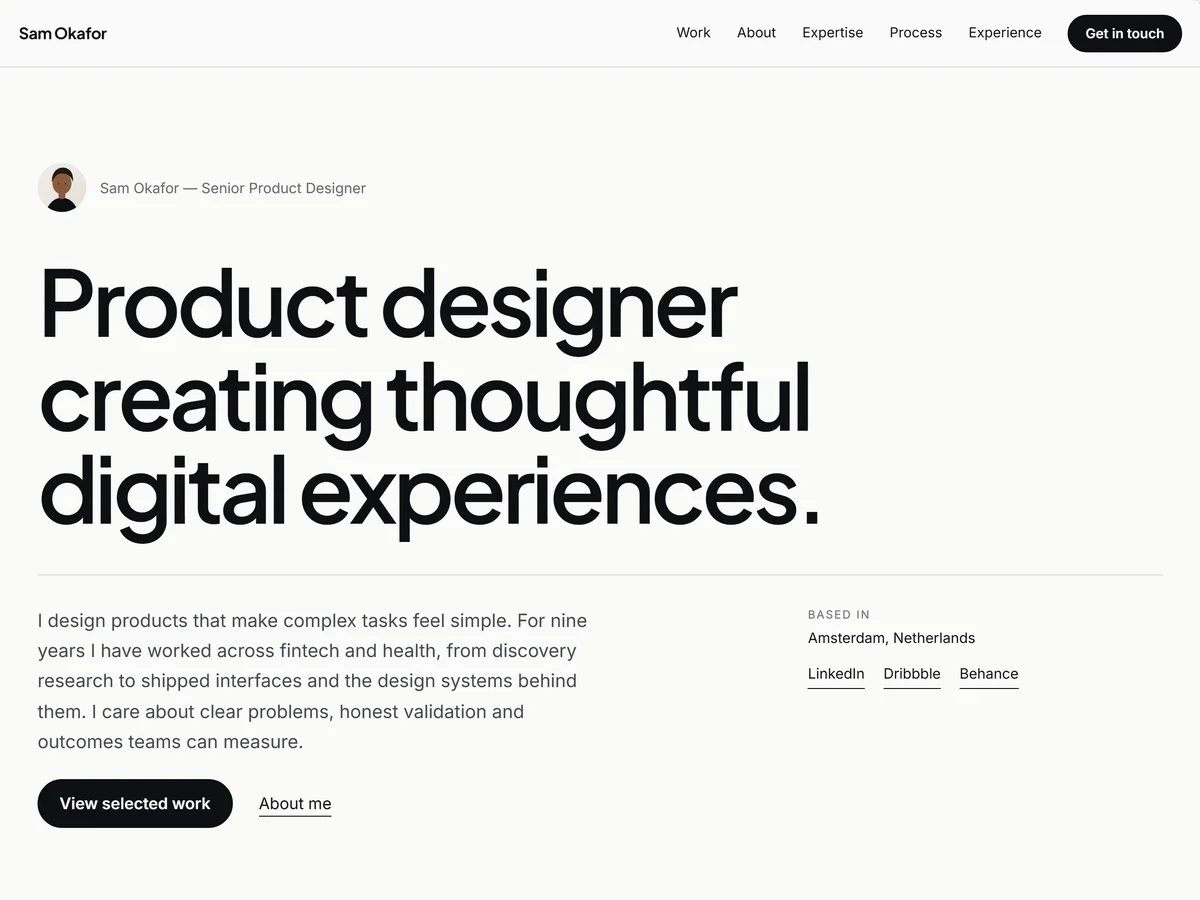
Product Designer
Case-study-driven layout combining UX, UI, research, product thinking, and measurable project results.
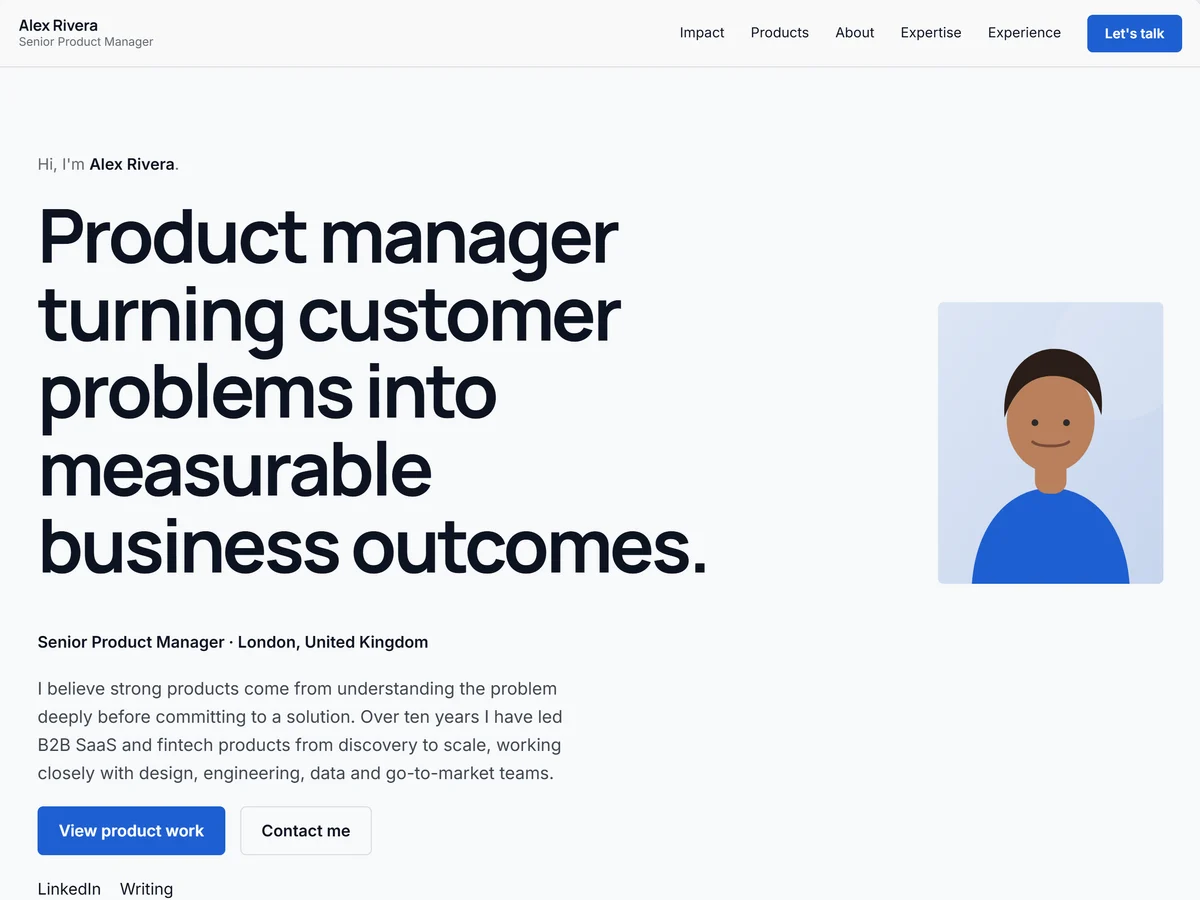
Product Manager
Business-focused portfolio presenting products launched, responsibilities, roadmaps, metrics, strategy, and leadership experience.
Create your portfolio in minutes and publish it when you are ready.
No credit card needed.